


| Weight | 0.5 kg |
|---|---|
| Condition |
Unused |
| EAN |
4019169221894 |
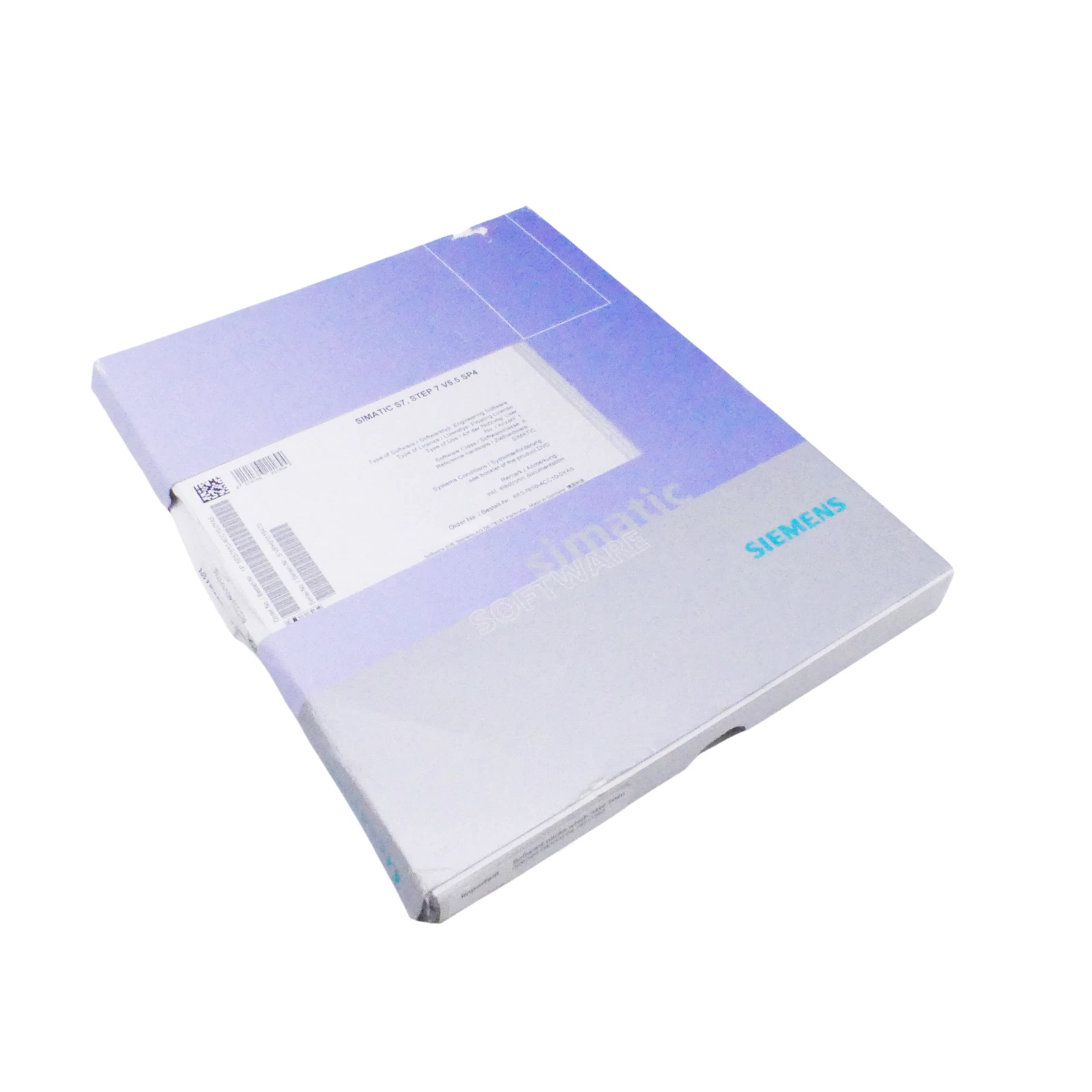
SIEMENS SIMATIC STEP 7 6ES7810-4CC10-0YA5
STEP 7 V5.5 SP4 engineering software with floating license for programming and maintaining SIMATIC S7 automation systems.
Category: Industrial Automation / PLC Engineering Software
Purpose: Programming, configuration, diagnostics, and maintenance of Siemens SIMATIC S7-300, S7-400, and C7 systems
🌿 What It Is
SIEMENS SIMATIC STEP 7 6ES7810-4CC10-0YA5 is an engineering software package for configuring, programming, commissioning, and maintaining Siemens SIMATIC automation systems. This product is listed as STEP 7 V5.5 SP4 Floating License for 1 user, with software and documentation on DVD and license key supplied on USB stick. It is designed for classic Siemens automation platforms such as S7-300, S7-400, and C7 systems.
✅ Key Benefits
- STEP 7 V5.5 SP4 engineering environment for Siemens PLC systems
- Floating license for 1 user
- Suitable for SIMATIC S7-300, S7-400, and C7 automation systems
- Supports PLC programming, hardware configuration, diagnostics, and commissioning
- Includes software and documentation on DVD
- License key supplied on USB stick
- Useful for maintenance, service, and programming of existing Siemens industrial installations
🧴 Use & Installation
- Install STEP 7 V5.5 SP4 on a compatible Windows engineering workstation.
- Install or connect the license key using Siemens Automation License Manager.
- Open or create a SIMATIC project for the required PLC system.
- Configure hardware, communication settings, and PLC program blocks.
- Download the project to the PLC and use diagnostics tools for testing and maintenance.
⚠️ Safety & Precautions
- Software installation and PLC programming should be performed by qualified automation personnel.
- Always back up the existing PLC project before editing or downloading changes.
- Confirm hardware configuration and communication settings before commissioning.
- Do not modify live industrial systems without proper machine safety procedures.
- Check license validity and compatibility with the operating system before installation.
- Use under professional technical supervision in industrial automation environments.
📦 Product Details
Form: PLC engineering software
Active Components: STEP 7 V5.5 SP4 engineering environment, license key, documentation
Target Group: Automation engineers, PLC programmers, maintenance teams, machine builders
Brand: Siemens
Series: SIMATIC S7 / STEP 7
Software Version: STEP 7 V5.5 SP4
License Type: Floating License
Users: 1 user
Delivery Media: Software and documentation on DVD, license key on USB stick
License Class: Class A
Languages: 5 languages: German, English, French, Spanish, Italian
Reference Hardware: S7-300, S7-400, C7
Application: PLC programming, configuration, diagnostics, commissioning, maintenance
Pack Size: 1 software package
🛒 Buy SIEMENS SIMATIC STEP 7 6ES7810-4CC10-0YA5
Order SIEMENS SIMATIC STEP 7 6ES7810-4CC10-0YA5 from Induparts for reliable programming, diagnostics, and maintenance of classic Siemens SIMATIC S7 automation systems.
🔑 SEO Keywords:
STEP 7 floating license, Siemens S7-300 programming software, Siemens S7-400 programming software, SIMATIC PLC software, Siemens automation software, Induparts Siemens STEP 7
Reviews
There are no reviews yet.